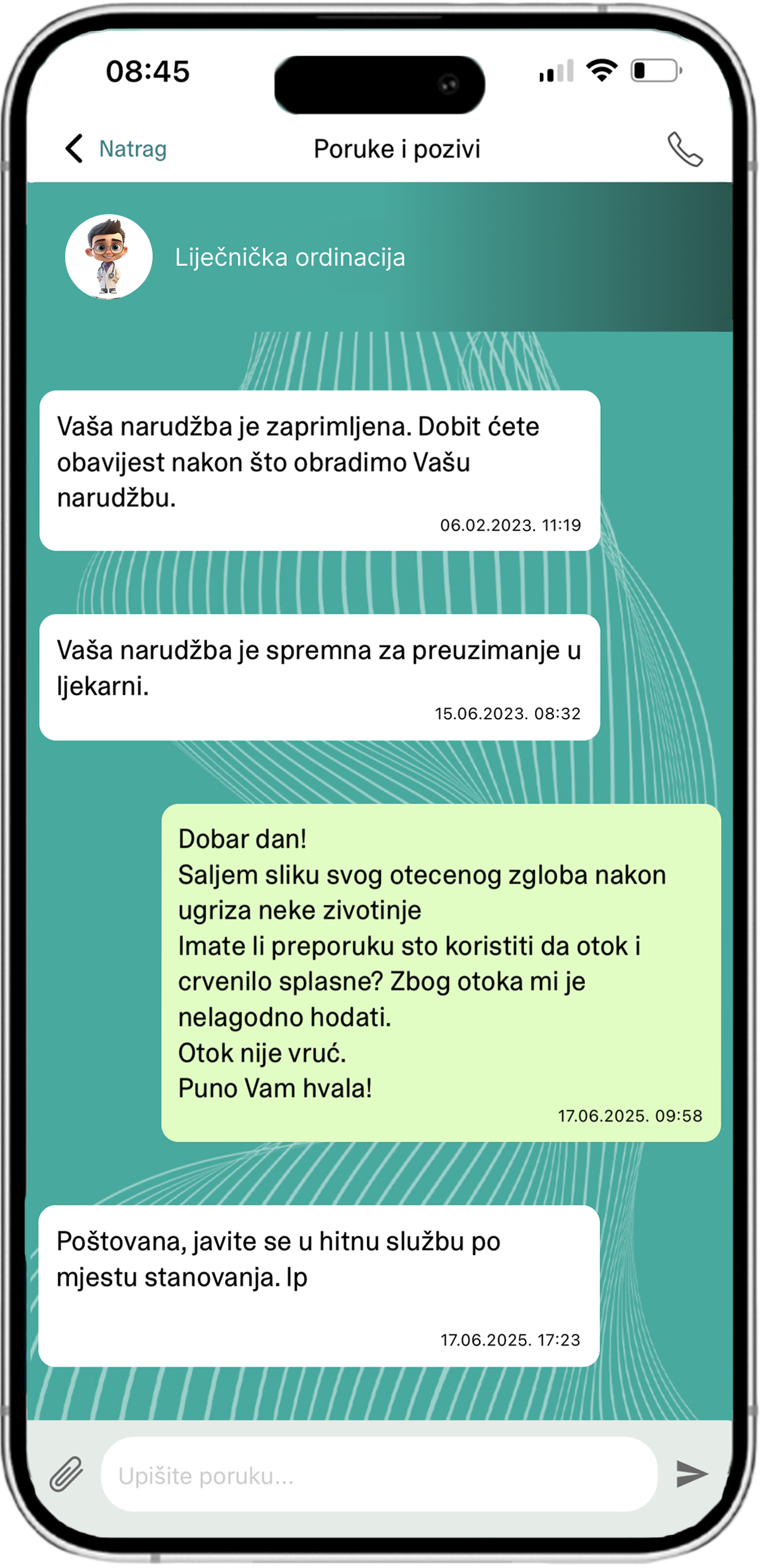
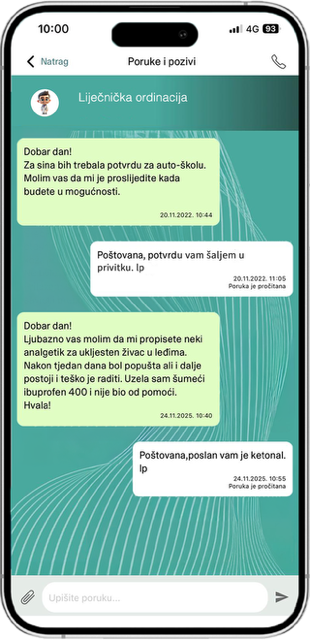
sDoktor is a communication tool designed for healthcare institutions and doctors to facilitate simple, secure, and efficient communication with users (patients). The platform provides an intuitive interface that enables the management of various communication channels — calls, messages, and notifications — significantly simplifying the daily work of healthcare professionals and speeding up the processing of user requests.
sDoktor allows faster and more organized communication, reduces the workload of medical practices, and improves the availability of healthcare information for users.
sDoktor is a reliable and secure tool that enables healthcare institutions to communicate with users in a modern way, while providing users with a faster, clearer, and safer method of contacting their doctors. The application is built in accordance with the highest security standards.
The Sdoktor application provides you with easy access to phone ordering of medications and other healthcare services. You can easily select your doctor, leave a voice message with therapy details, and track the status of your order. Additionally, the application offers convenient medication reminders and allows you to review your previous orders.
Ordering medications through the sDoktor application is simple. After logging into the application, select your doctor, enter the therapy details, and leave a voice message. Your order will be processed by the medical staff.
Yes, the security od your dana is of utmost importance to us. We employ the latest security measures and technologies to ensure that your personal information is protected. Your information is processed in accordance with our privacy policy.
If you encounterany difficulties while using the sDoktor application or if you require support, you can contact us through the support option within the application itself. Our support team will be happy to assist you and address any concernsyou may have.
Yes. If you choose any sDoktor annual package that you used during the free trial period, your account data and configuration will remain unchanged.
Once the free trial period expires, you will have an additional 30 days to purchase an sDoktor package before the account data is deleted.
Trial account data cannot be recovered after deletion.
The sDoktor web application, accessed using your username and password on a PC or Mac device, is not available when you are not connected to the network.
If you stop using the sDoktor system, your data and records will be available to you for a period of 30 days. Your data belongs to you. Within this period, you can download and save them to another location. Be sure to save your data and records before discontinuing the service. When you cancel your subscription, data associated with your sDoktor system will be available with limited functionality for a period of 30 days.
Unparalleled advantage
Mobile application for easier communication!
The application enables secure and efficient communication, reduces administrative burden and provides a stable digital platform that supports your professional work, with the highest standards of protection.
Available for free for Android, Apple and Huawei: